Pepperfry: Heuristic Re-evaluation & AR Integration
Graduation dissertation: a heuristic-driven redesign of Pepperfry's mobile app from audit to AR prototype. 30 violations. 180+ screens. One working ARKit build.

30 violations against Nielsen's ten.
I evaluated the live Pepperfry mobile app against Nielsen's ten usability heuristics (1994). Every screen, every flow, severity-rated. The audit produced thirty documented violations spanning all ten heuristics, the most consequential a confirmshaming dark pattern on the home screen ('No, I don't want to save money'), ten severity-3 failures across navigation and visual hierarchy, fifteen severity-2 bugs, and four severity-1 cosmetic issues. The point wasn't to be exhaustive, it was to make every problem traceable back to a specific principle, so the redesign that followed had teeth.
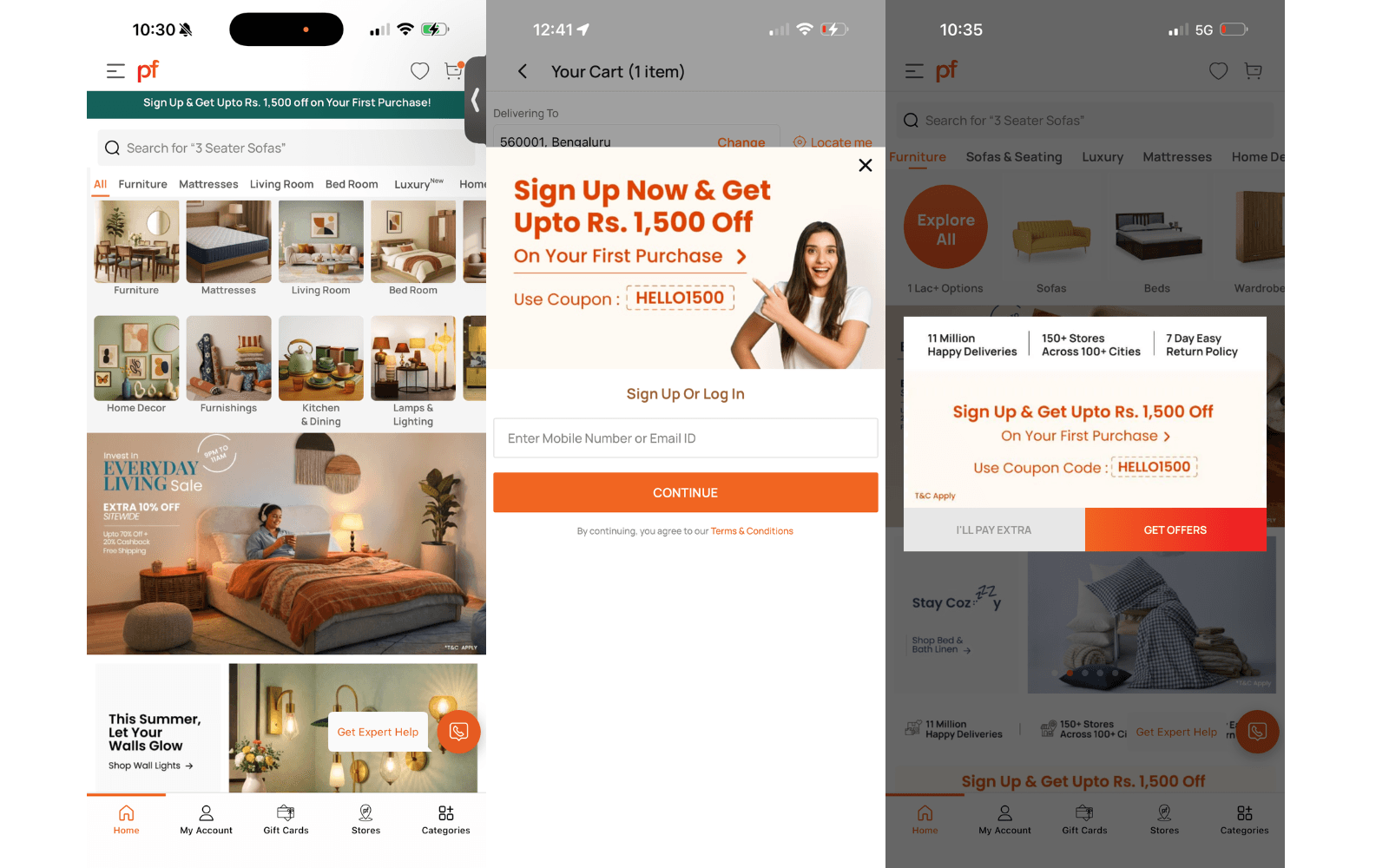
180+ screens. Every change traced to a violation.
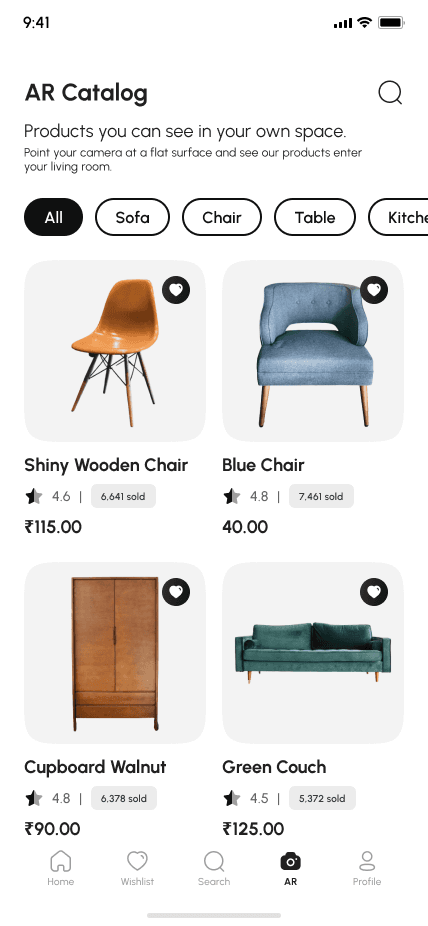
Phase two was a full Figma redesign in Pepperfry's brand identity. Over 180 high-fidelity screens covering every flow, onboarding, browse, product detail, checkout, account, support, in light and dark variants. The discipline I held myself to: every design change had to point back to a specific violation in the audit. The dark pattern got removed entirely. The navigation was restructured around how people actually shop for furniture (room → category → product), not how Pepperfry's catalog is organised internally. The AR catalog was added as a primary nav item, because the third phase of the project would have to live somewhere.
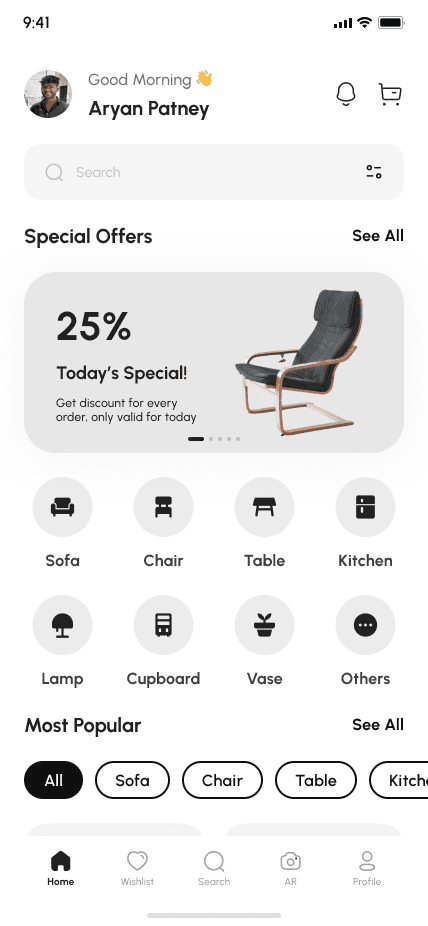
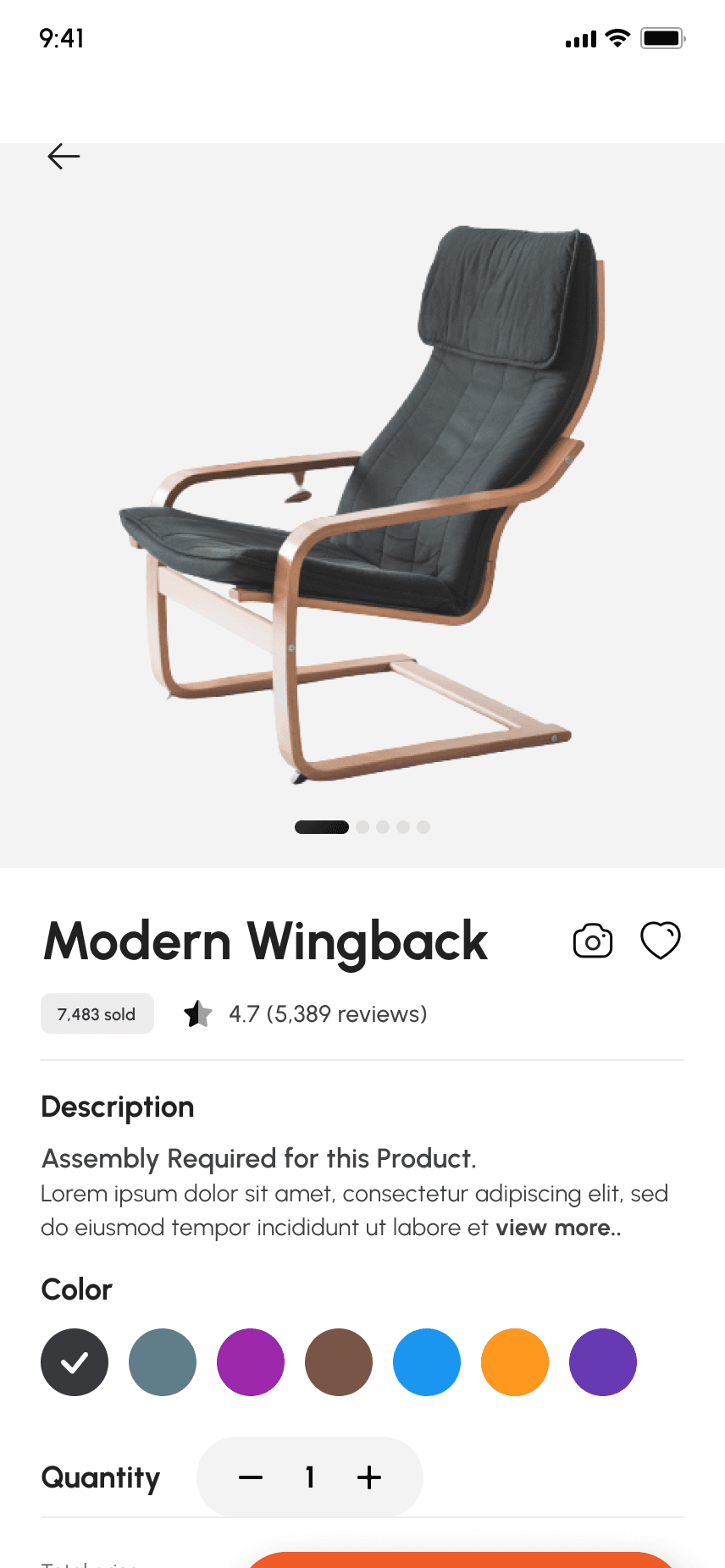
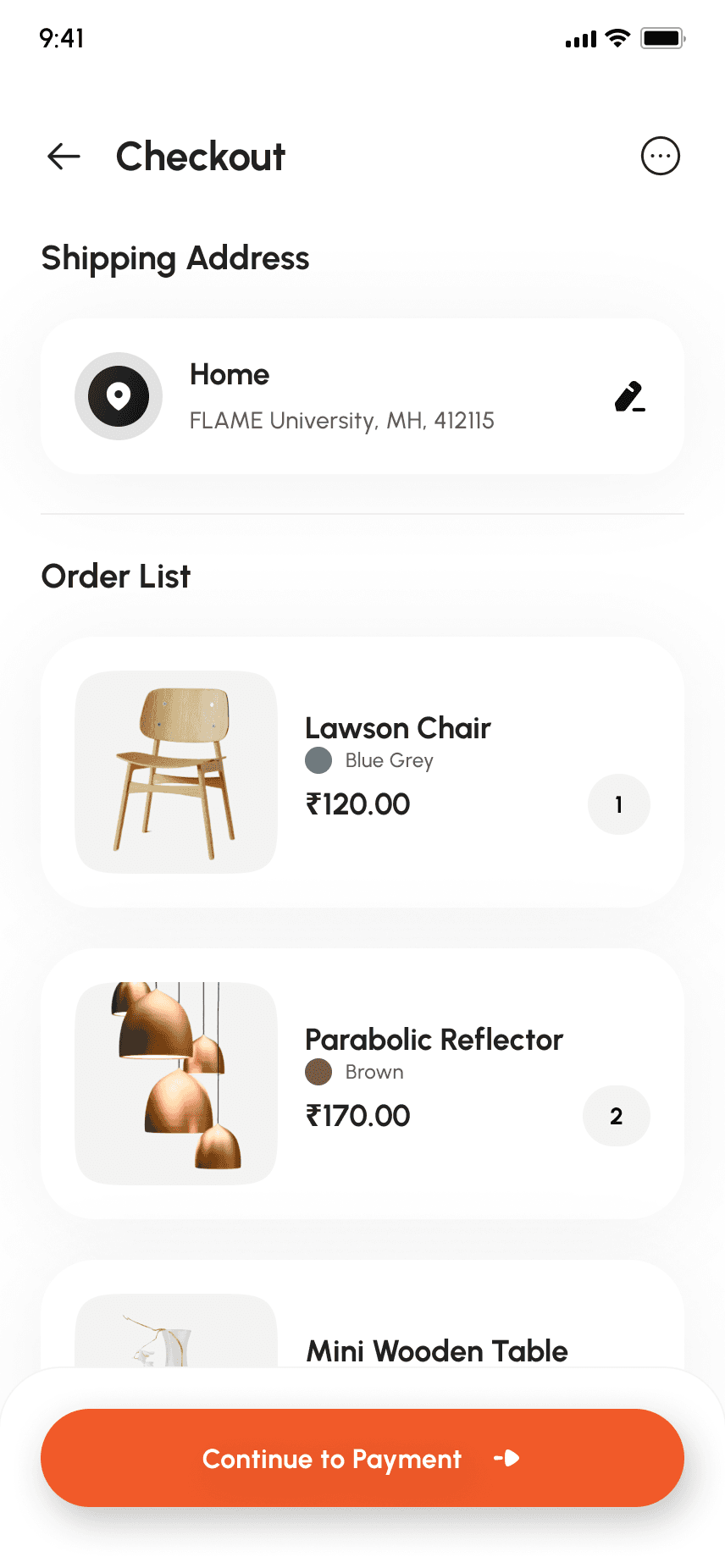
From design spec to working iOS prototype.
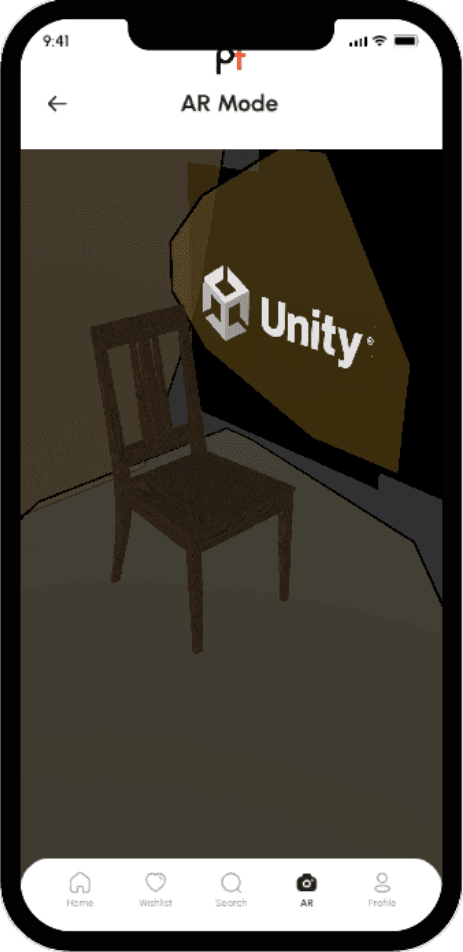
Phase three was the engineering, turning the AR catalog spec into something you could actually run on a phone. Built in Unity with AR Foundation and ARKit, targeting iOS 26 via Xcode. The prototype lets you walk into a room, scan the floor, and place a piece of furniture from the catalog in real-time. The full build pipeline was documented end-to-end, Unity project setup, AR Foundation configuration, the Xcode build chain, iOS deployment, so anyone could reproduce it.
All 30 audit findings resolved. Every dark pattern eliminated. Navigation restructured around shopping intent rather than catalog structure. A working AR prototype handed off as a Unity project + signed iOS build.
The dissertation framing forced a kind of rigour you don't usually get from product work, every claim had to be defensible. I'd carry that audit-first habit into anything I work on next.